A quiet room
for two.
Duo is a messenger for exactly two people. No contacts, no groups, no feed. One conversation, and photos that don't stick around.
Invite-only: you'll need a device token.
Most messengers want everyone you've ever met. Duo wants one person, and gets out of the way.
People in a room. There's no way to add a third.
Words of yours in a notification. Just a name and “📷 Photo”.
How long a disappearing photo lives once it's opened. Then it's deleted.
Everything two people need.
Nothing else is in there, so nothing else can get in the way.
Photos that leave.
Send a photo that can be held open once. When the window closes, the file is deleted from the server's disk, not just hidden.

Typing, read, here.
You see when they're writing, when they've read it, and when they're around. No guessing.
Notifications that say nothing.
Your lock screen shows who wrote and what kind of thing it was. Never what it says.
Voice & video.
Voice notes and clips up to 100 MB, kept for as long as you want them.
One small server. No one reading along.
Each room runs on one modest server: no ad network, no analytics SDK. You sign in with a token, so nobody needs your phone number, your email or your contacts.
- People
- 2
- Sign-in
- Device token
- Storage
- SQLite + files on disk
- Trackers
- None
Espresso at midnight. Paper by morning.
Duo follows your phone's theme, warm in both.
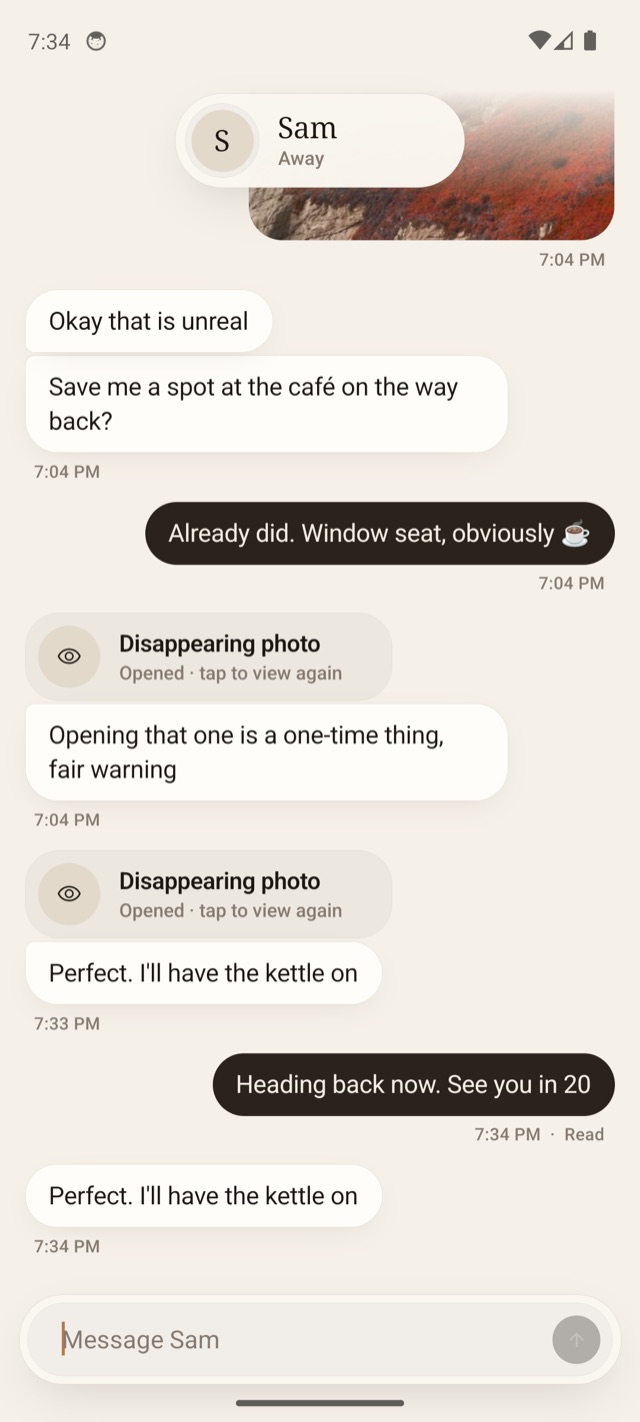
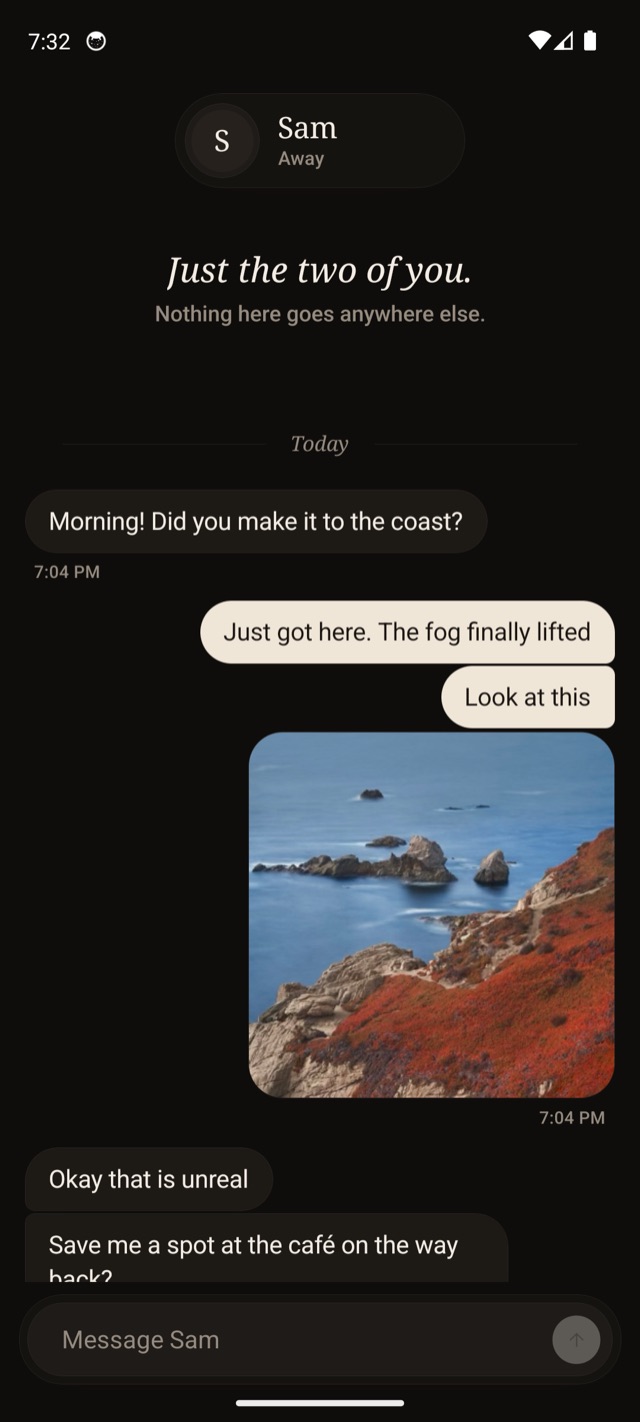
Not a network. A room.
There's no sign-up page and no one to find. Someone sets the room up, and hands the other person a key.
Get your device token
Whoever runs your room creates two tokens, one for each of you. Yours is shown once, so keep it somewhere safe.
Install Duo
Download the APK and open it. Android may ask you to allow installs from your browser the first time.
Paste it in
That's the whole sign-in. You're in the room, and the only other person there is the one you expect.
Asked, honestly.
Is it end-to-end encrypted?
No, and we won't pretend it is. Messages travel over HTTPS to the server your room runs on and are stored there. Disappearing photos are deleted from that server once they expire, and notifications never carry message text.
Can I add someone else?
No. A room holds two people, and that's the point. Want another conversation? That's another room.
What if I never open a disappearing photo?
It waits for you, by default for 30 days, then it's deleted unopened. Once you open it you have five minutes, and you can close it and hold it open again within that time.
I lost my phone.
Ask whoever runs your room to reset your token. The old one stops working immediately, and your new one picks up the full history.
Is there an iPhone version?
Not yet. Duo is Android-only for now.
What does it cost?
Nothing. No ads, no subscription, no tracking to pay for it in other ways.
Just the two of you. Nothing here goes anywhere else.